AI Development Arena
The AI Dev Arena is a space hosting experimental (beta) features from AI Hub. It is designed to give our most enthusiastic users early access to upcoming AI capabilities and collect valuable feedback to shape the future of the AI Hub.
Note
To access AI Dev Arena, use an external PC connection to the robot. Then, open the link http://192.168.2.14:8089 via Mozilla Firefox or any other Chromium-based browser.
Hint
AI Dev Arena works best with Mozilla Firefox browser.
Object Onboarding Wizard
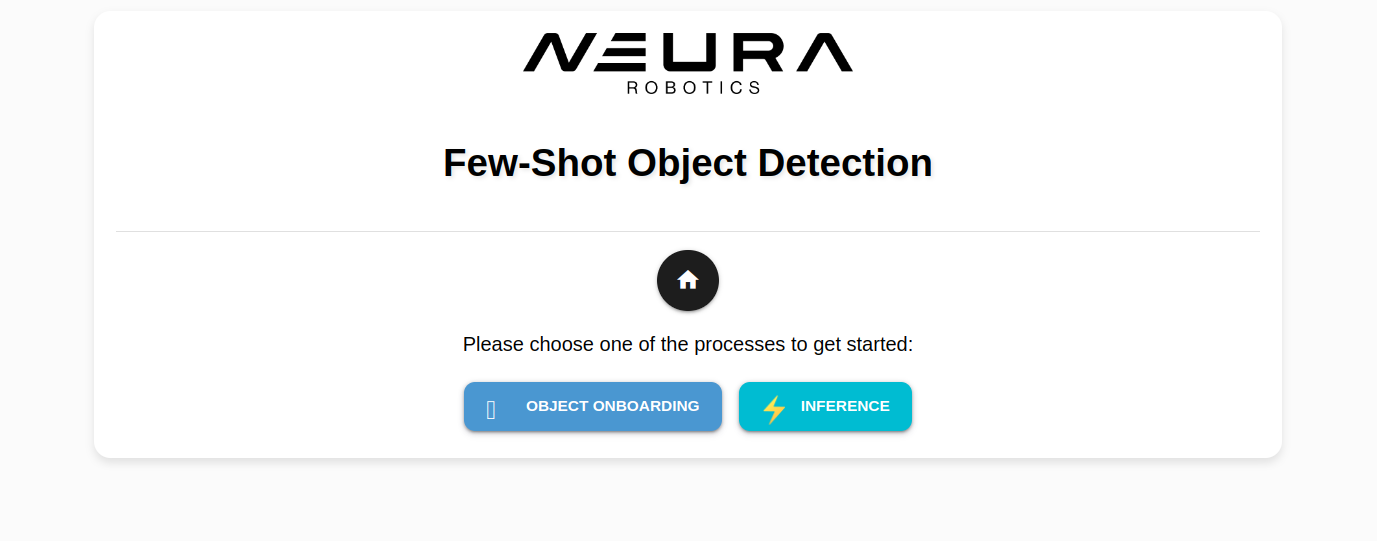
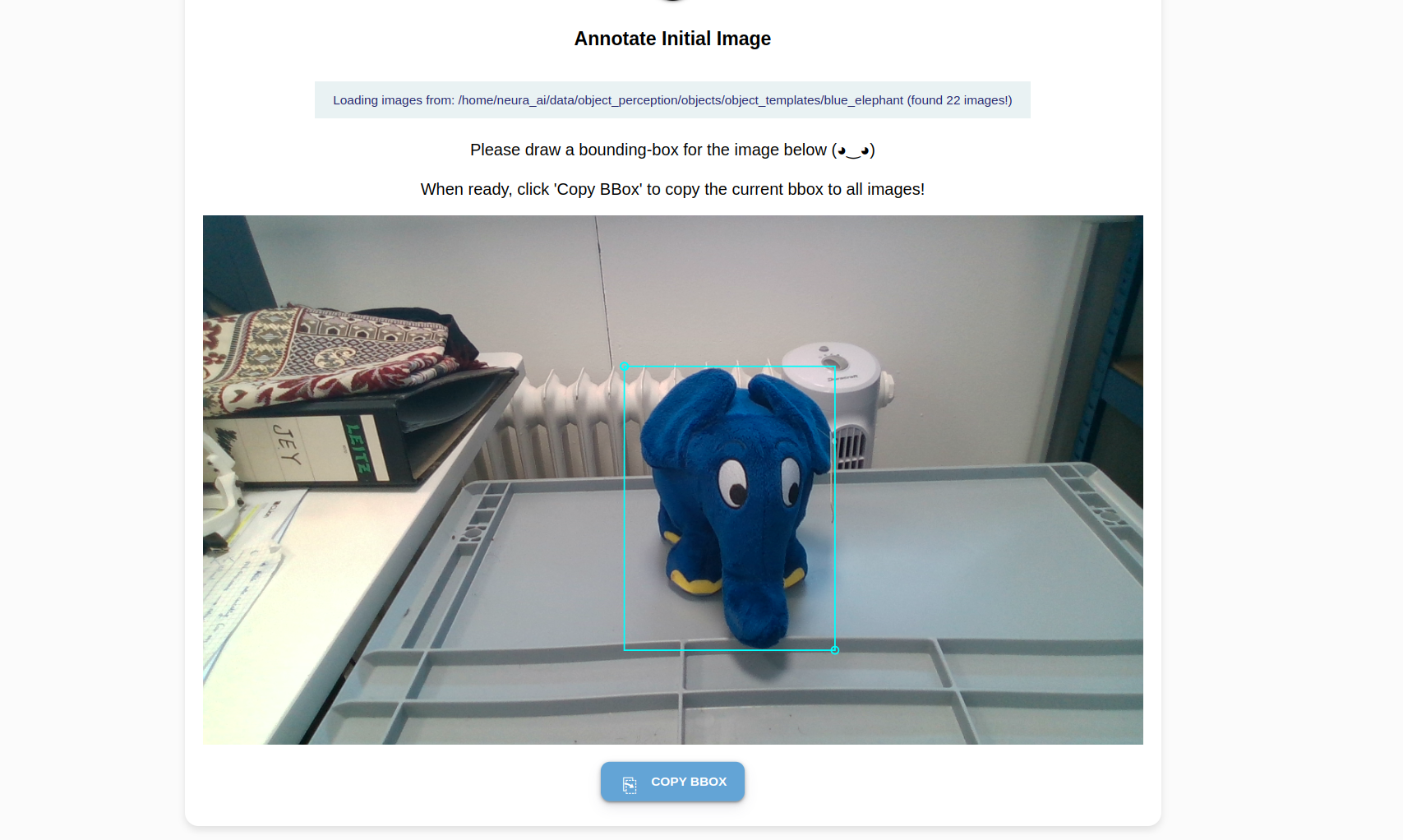
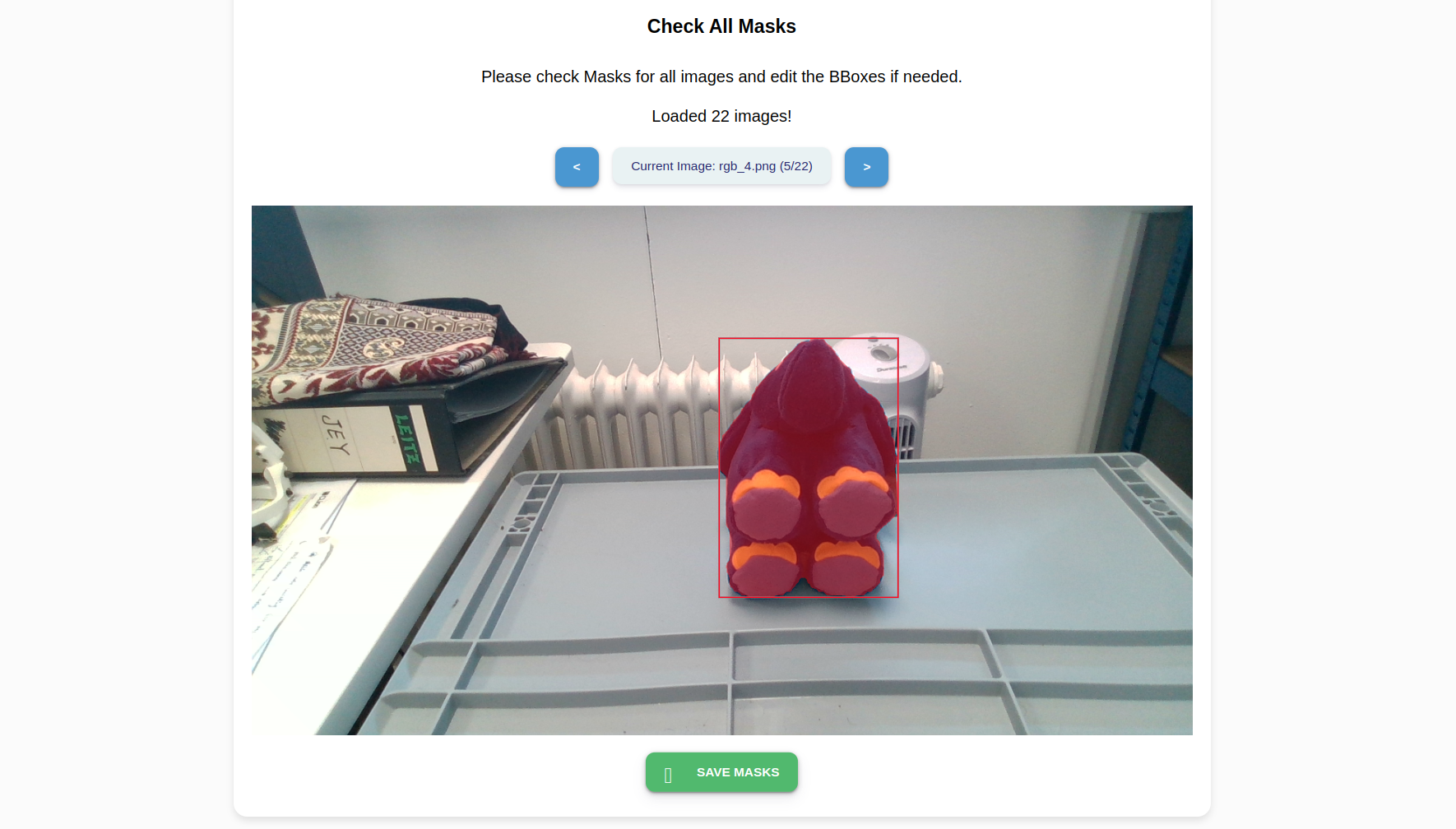
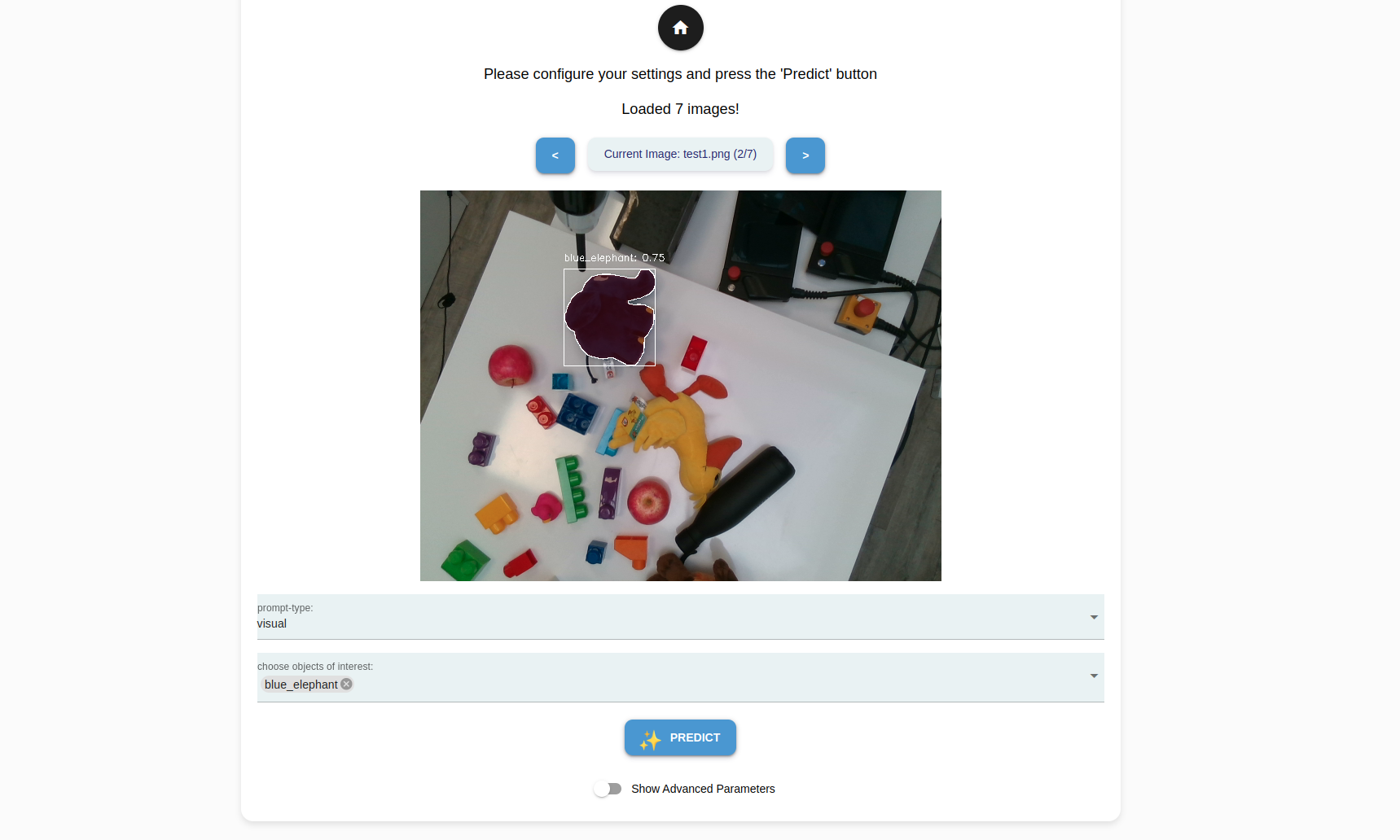
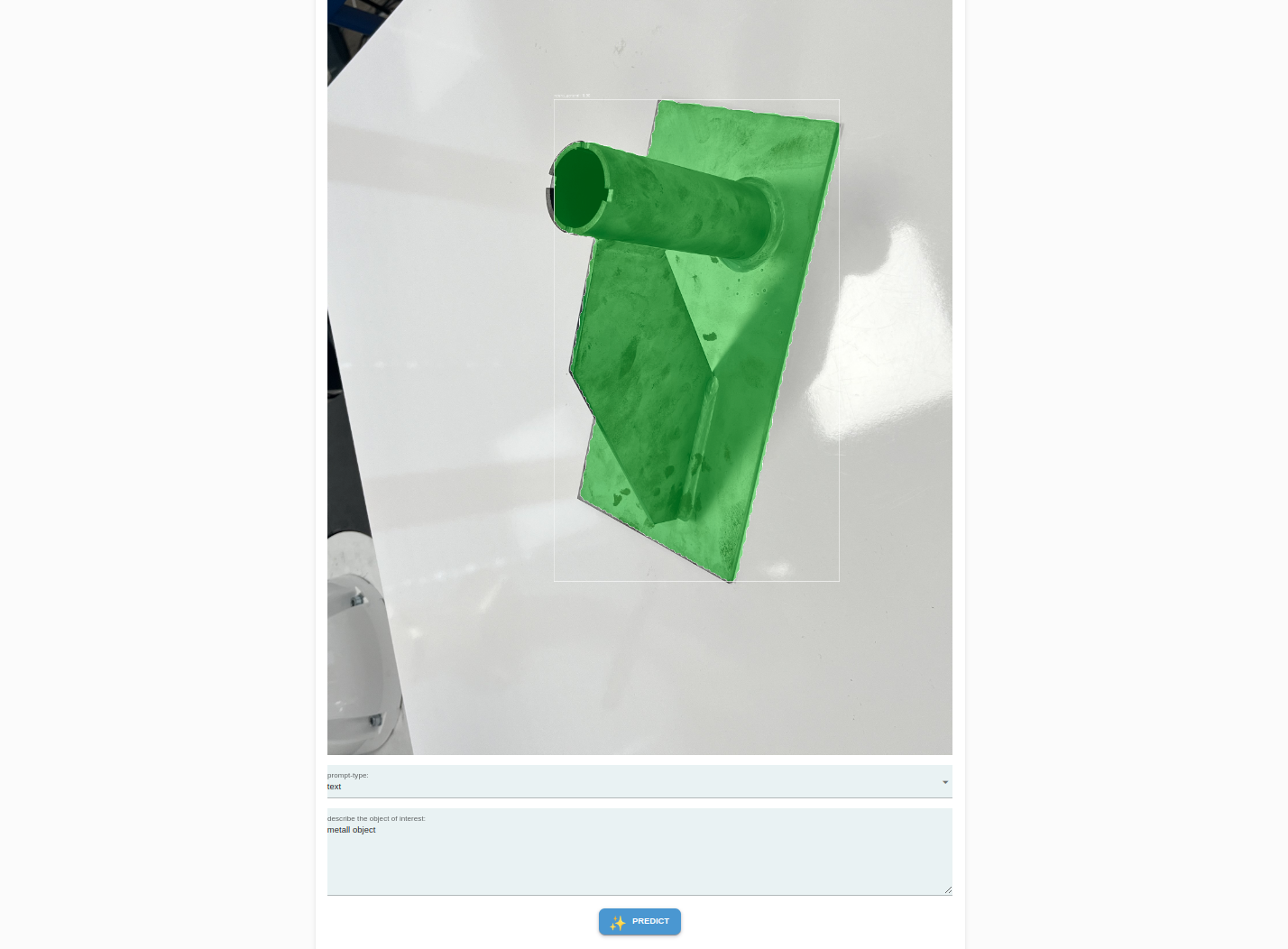
The Object Onboarding Wizard is a tool that lets you quickly teach new objects to the robot using just a few images. It uses a foundation model as its base and applies additive learning to recognize new objects. Key benefits include:
Fast training and object onboarding (~5 mins per object)
Automatic processing of images
High detection accuracy
Simple interface for capturing and training
Works with new objects without extensive data
The wizard guides you through the process of capturing images and handles all the training automatically.
Screenshots
Real Data Collection Wizard
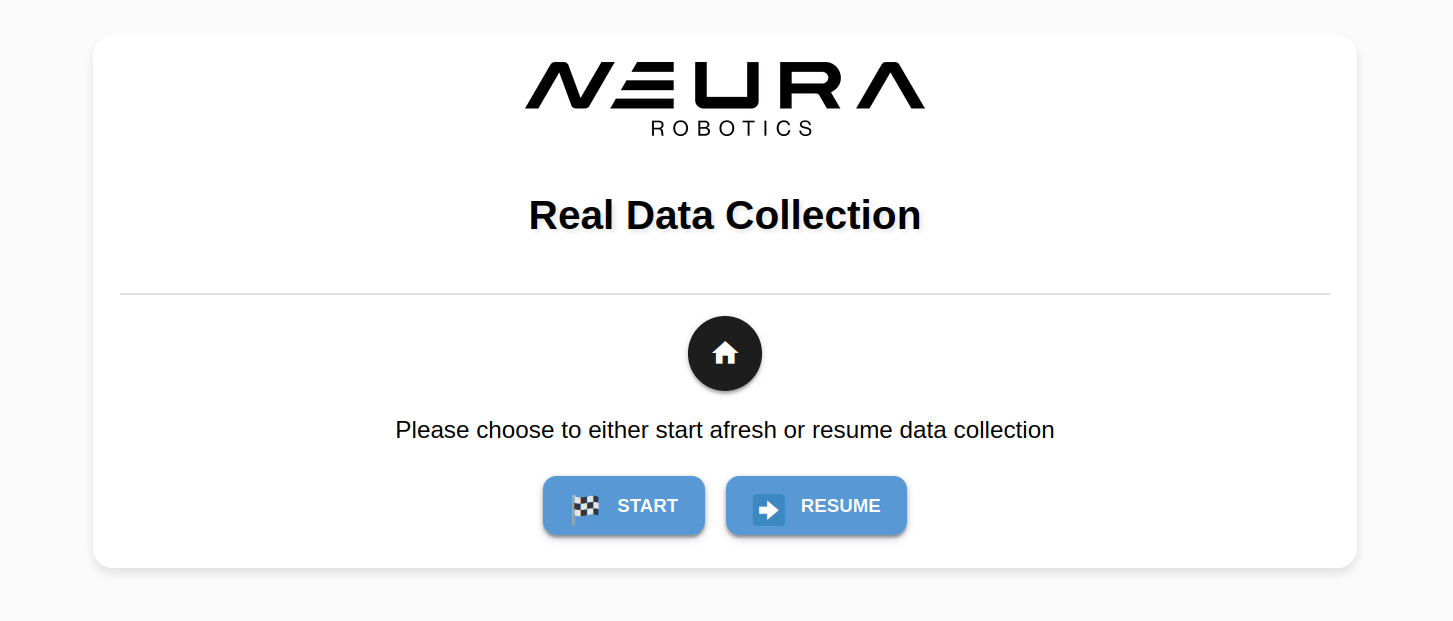
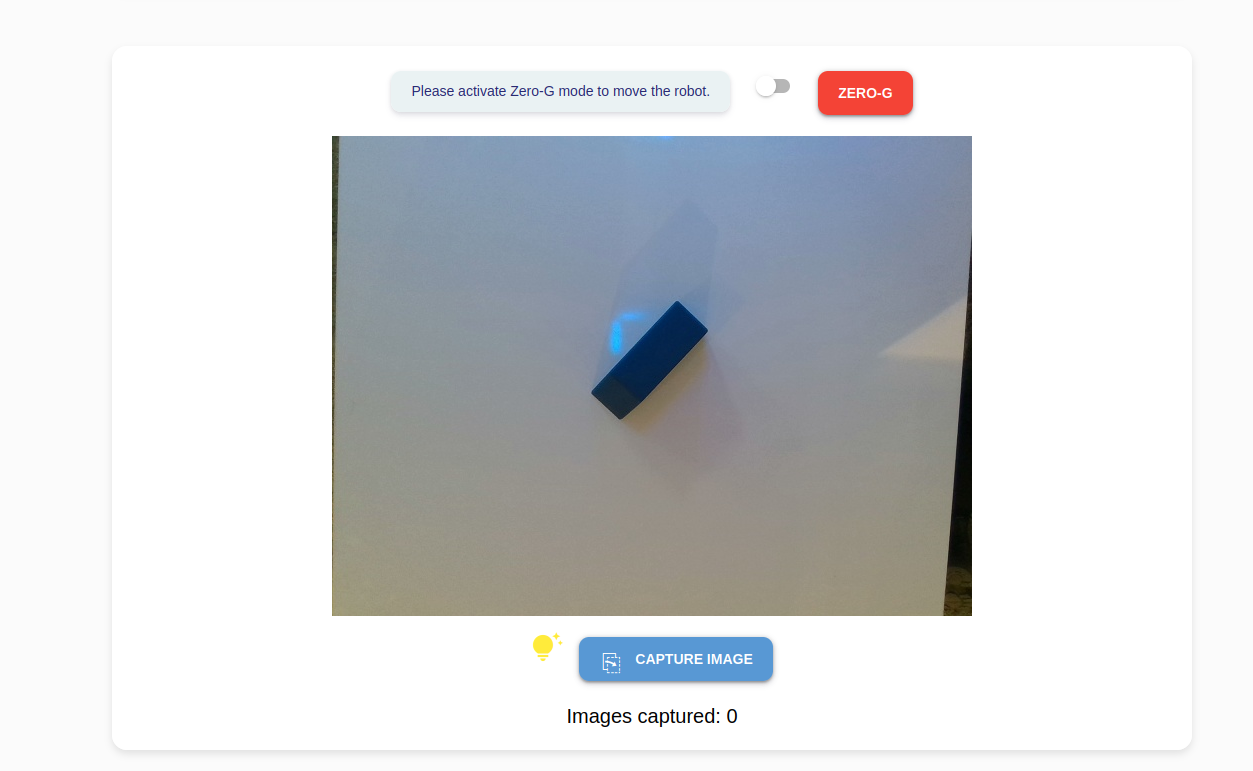
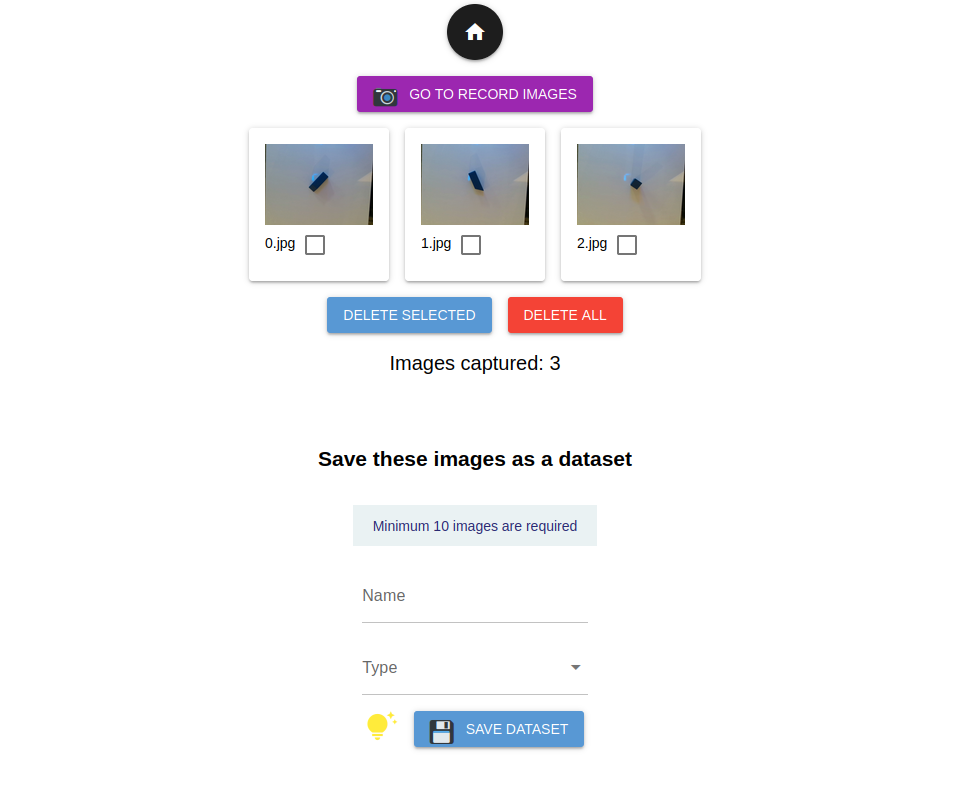
The Real Data Collection Wizard offers a seamless solution for creating datasets using the robot’s vision sensors.
Note
Screenshots
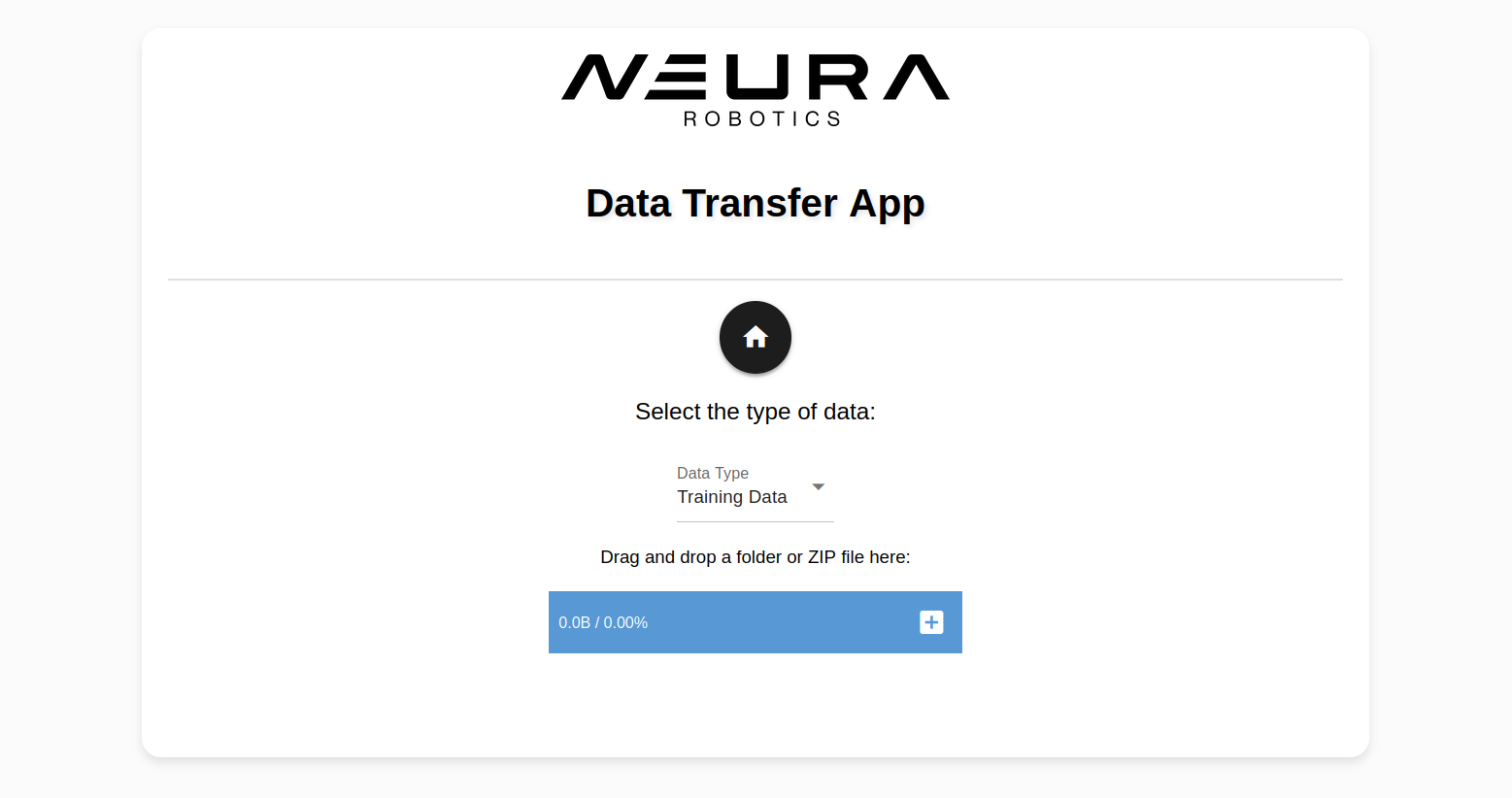
Data Transfer App
This simple data transfer app streamlines the process of transferring data into AI Hub database by eliminating the need to switch between Robot Mode and AI Hub mode.
Note
The only supported functionality as of this release is training data
transfers to train a neura_DLIS1 model.
After exporting your annotated dataset from Neura CVAT, simply select the Data type: Training Data and upload the downloaded ZIP file.
Screenshots